
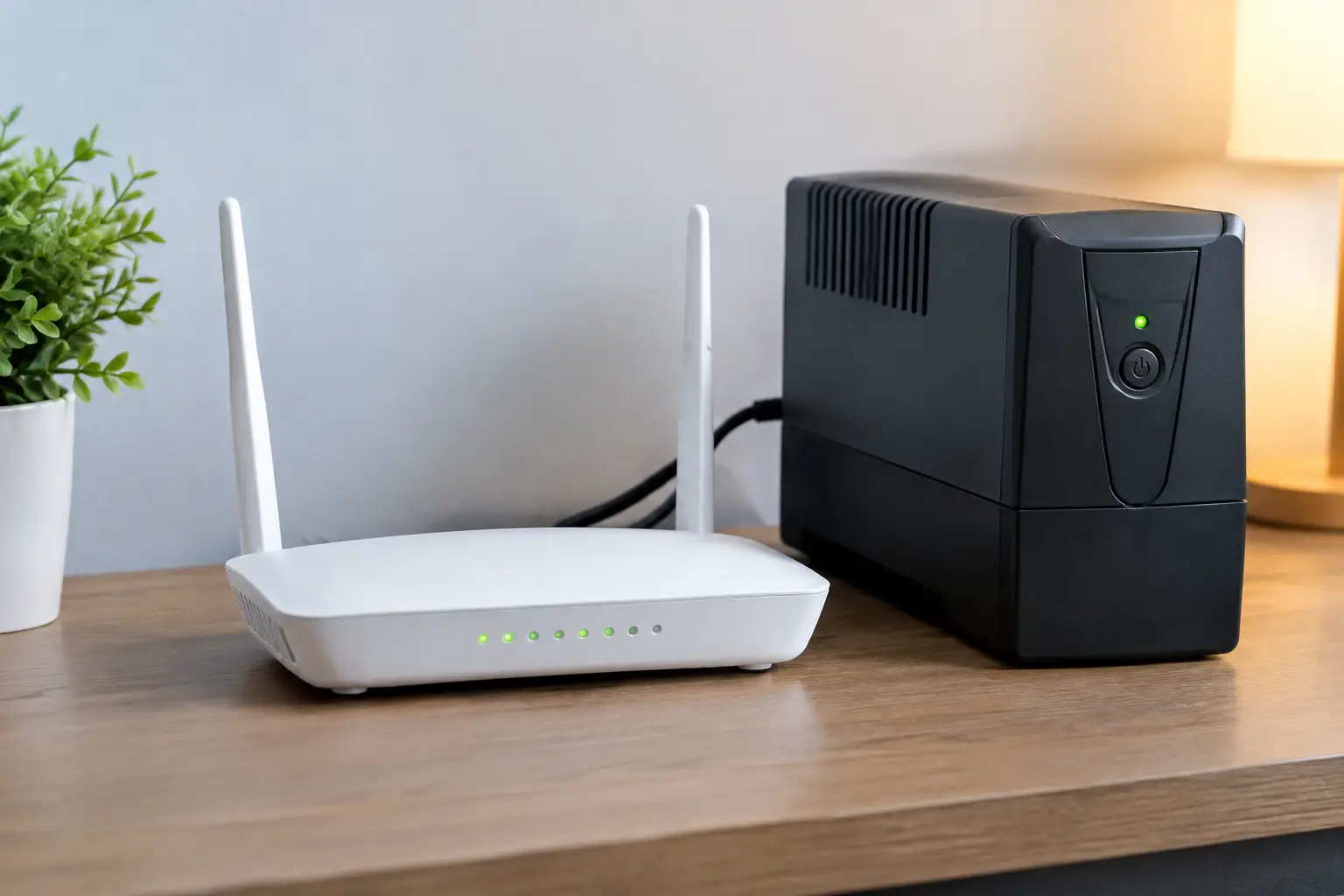
When the lights go out, broadband can disappear even though the fibre or telephone line serving your property is still working. The usual weak point is inside the house: the router, and often a separate fibre ONT, have lost power. Working out how to power broadband router equipment is therefore one of the simplest and most useful parts of a household backup-power plan.
Start with the problem, then choose the technology. If you only need enough power to send messages, check outage information and keep a laptop connected for a few hours, a small battery solution may be enough. If broadband is one of several essentials you want to run through an overnight or multi-day cut, it needs to be planned alongside lighting, refrigeration and heating controls.
First, establish what your broadband setup needs
Look at the plug-in power adaptor for your router. Its label should state an output voltage and current, such as 12V 1A or 12V 2A. Multiplying volts by amps gives a useful upper estimate of power. A 12V, 1A adaptor represents up to 12 watts, although the router may use less in normal operation.
Do not overlook a separate fibre ONT. This small box converts the incoming fibre connection into Ethernet and is commonly fitted near where the cable enters the property. It has its own mains adaptor and must normally remain powered for the router to work. Some homes also have a network switch, mesh Wi‑Fi node or cordless-phone base station that matters during an outage.
In a typical fibre home, the router and ONT together may draw roughly 15 to 25 watts. That is a very modest load by backup-power standards. The challenge is less about raw wattage than selecting a supply that is compatible, safe and able to run for the length of cut you expect.
Check whether the connection itself will stay live
Powering your equipment does not guarantee internet access. The network beyond your home also relies on powered equipment. Modern full-fibre networks can remain available during many local cuts, but this depends on the provider’s infrastructure and the scale of the disruption. Older copper-based services, street cabinets and mobile networks can be affected too.
Test your arrangement before relying on it. With the router and ONT connected to their proposed backup source, briefly switch off the relevant circuit at the consumer unit if it is safe to do so, or unplug the equipment from the mains. Confirm that the router restarts or stays connected, then test a website, a video call or a work VPN. This practical check will expose a missing ONT supply, an unsuitable adaptor or a connection that does not remain available in a cut.
The most practical ways to power a broadband router
A dedicated DC mini UPS
A mini uninterruptible power supply is often the neatest answer for a router and ONT. It sits between the wall socket and the low-voltage equipment, charges while mains power is available and changes to its internal battery automatically when it fails.
Its advantage is efficiency. Rather than converting battery DC into 230V AC and then back down through each plug adaptor, many models provide 5V, 9V or 12V DC directly. That can give good runtime from a compact unit.
Compatibility matters more than the advertised battery size. Check the required voltage, connector size, plug polarity and the maximum current rating for every device. A connector that physically fits is not proof that it is correct. Supplying the wrong voltage or polarity can damage equipment. If the router and ONT use different voltages, you may need a unit with separate outputs or two compatible backup supplies.
A conventional plug-in UPS
A small mains UPS provides UK-style sockets and is straightforward where the router, ONT and perhaps a network switch all use ordinary plug adaptors. It switches automatically and keeps the original manufacturer-supplied power supplies in place.
The trade-off is conversion loss and, on lower-cost models, shorter runtime than the headline VA rating might suggest. VA describes the UPS’s output capability, not how long it will run. For broadband equipment, battery capacity in watt-hours and a stated runtime at a low load are more useful figures. Choose a model designed for electronics, keep it ventilated and replace its battery when its condition declines.
A portable power station
A portable power station is more flexible when broadband is part of a wider plan. A modest unit can run a router, ONT, lamps, mobile phones and laptops, while larger models can support more household loads within their inverter limit. It can be recharged from mains power, and sometimes from solar panels or a vehicle, depending on the model.
For router-only use, it can be more capacity and cost than necessary. You also need to decide how it will change over when the mains fails. Some power stations support pass-through power or a UPS-style mode, but transfer behaviour varies. A brief interruption may cause networking equipment to reboot, which is inconvenient rather than dangerous but can take several minutes to recover.
A home battery or backed-up circuit
A properly designed home battery system can keep selected circuits live automatically, including the socket serving broadband equipment. This is the least disruptive option for a whole-home resilience plan, particularly where it also supports lighting, refrigeration and heating controls.
It is not automatically the most economical route for internet alone. Installation cost, backup output limits and which circuits are included all matter. Ask specifically whether the installation supports operation during a grid outage, not merely battery storage for reducing electricity bills. Those are different functions.
Calculate the runtime you actually need
The useful calculation is simple:
Required battery capacity in Wh = appliance load in watts x hours needed, then allow for losses.
Suppose your router and ONT draw 20W in total and you want 12 hours of operation. Their direct energy requirement is 240Wh. Allowing roughly 15 to 25 per cent for conversion losses, battery ageing and imperfect real-world conditions, plan for around 300Wh of usable energy.
This does not mean you must buy a 300Wh product. A DC mini UPS may quote battery capacity in milliamp-hours, often at an internal battery voltage that makes direct comparison misleading. A plug-in UPS may publish runtime tables instead. Use the manufacturer’s stated runtime at a similar load where possible, then leave a margin rather than designing to the last minute.
Your requirement may be much smaller. For a short urban outage, four to six hours of broadband can be enough. In a rural property where repairs can take longer, or for a household dependent on home working, online schooling or internet-based calling, an overnight target is more realistic. There is no universal right runtime.
Safe setup matters more than a clever workaround
Keep backup equipment indoors, dry and away from direct heat. Do not put a battery pack in a cupboard with no ventilation, near a radiator or where children can pull on cables. Use the correct leads and avoid daisy-chaining extension blocks.
A petrol or diesel generator should never be used indoors, in a garage or near open windows to run broadband equipment. Carbon monoxide is odourless and potentially fatal. For such a small load, a generator is usually a poor first choice: it is noisy, needs fuel management and may consume far more fuel than the router requires. If a generator forms part of a broader backup plan, use it outdoors in accordance with its instructions and never connect it to house wiring without suitable changeover equipment installed by a competent electrician.
Avoid improvised USB-to-router leads unless their output voltage, connector polarity and current capability have been verified for your exact device. A mobile phone power bank is not automatically a safe router power source. The low cost of the workaround is not worth the risk of damaging your network equipment.
Build broadband into the rest of the plan
Put the router and ONT on your essential-load list alongside the things that make the connection useful: a charged laptop, mobile phone, task lighting and, where relevant, the controls for a boiler or heat pump. A working router is of limited value if every device that can use it is flat.
Label the relevant plugs, record their power ratings and test your arrangement twice a year. Batteries gradually lose capacity, firmware settings can change and broadband equipment is often replaced without anyone checking the new adaptor. A short planned test is far preferable to discovering a compatibility problem halfway through a winter power cut.
The best router backup is usually the smallest solution that safely covers your real outage window, while fitting a wider household plan. Keep it simple, test it under realistic conditions and leave enough margin that broadband remains one less thing to worry about when power is unavailable.